How VPhoneGaga Helps Developers Test Apps Without Risking Their Main Device
Every developer knows the anxiety of testing an unstable build on their personal phone. One bad APK can freeze the system, drain the battery, corrupt storage, or expose sensitive data through untested permissions. The risk is real and it compounds the more frequently you test.
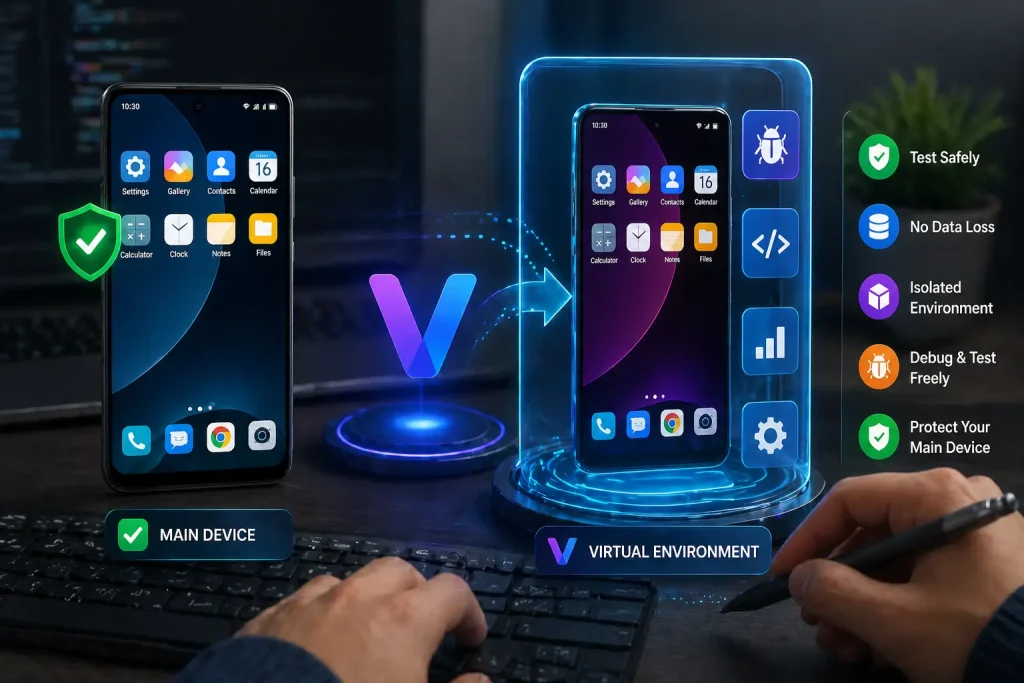
VPhoneGaga eliminates that risk by creating a fully isolated virtual Android environment inside your existing device. Your main phone stays untouched no matter what happens inside the virtual space.
Here is exactly how it works and why it belongs in your development workflow.
Why Testing on Your Main Device Is a Bad Idea
Most developers start by testing directly on their personal phone. It feels convenient until something goes wrong.
Common problems that come from testing on your primary device:
- Unstable builds that freeze or crash the entire system
- Faulty APK files that corrupt local storage
- Apps requesting aggressive permissions that expose personal data
- Battery and performance degradation from debug builds running in the background
- Data leaks from apps accessing contacts, photos, or system files during testing
The more experimental your build, the higher the risk. Testing beta versions, modified APKs, or apps with system-level permissions on your main device is not a controlled environment. It is a gamble.
What VPhoneGaga Actually Does
VPhoneGaga runs a second Android system inside your phone. It is not a simple app cloner or a sandboxed container. It initializes a full virtual Android environment that operates independently from your main OS.
Anything you install inside the virtual space stays there. It has no access to your real contacts, photos, app data, or system settings. If a test app crashes, behaves abnormally, or causes instability, only the virtual environment is affected. Your primary phone remains completely stable.
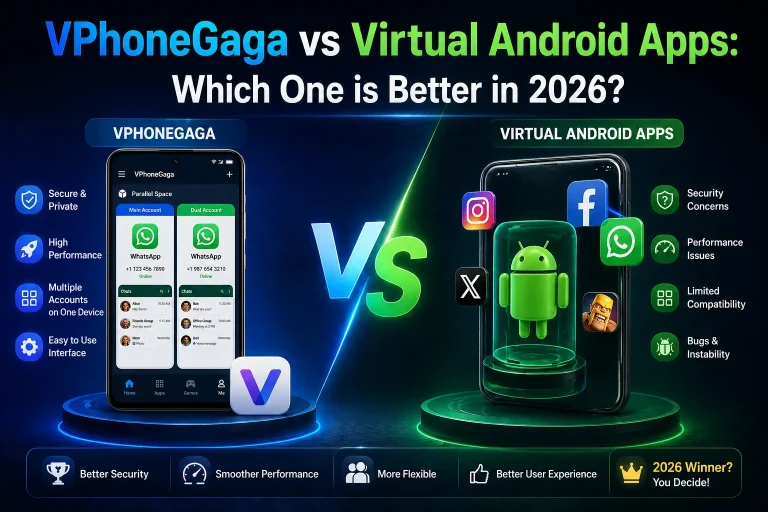
See Also: VPhoneGaga vs Virtual Android Apps – Which One is Better in 2026?
Specific Ways It Protects Your Development Workflow
Testing Unknown and Third-Party APK Files
Developers regularly receive APK files from clients, collaborators, or external sources. Installing these directly on your main phone before verifying their behavior is a genuine security risk.
With VPhoneGaga you can install the APK inside the virtual space, run it through its full feature set, observe permission behavior, and remove it cleanly if needed. Your main system is never exposed.
Testing Beta Builds and Debug Versions
Beta builds are unstable by nature. Debug versions often run background services, request elevated permissions, or behave differently under load. Testing these inside an isolated environment means you can push the build hard without worrying about what it does to your personal data or system performance.
Experimenting With System-Level Features
When building features that interact with background services, advanced permissions, or system resources, something will break at some point. That is part of development. Having a dedicated environment to break things in means you experiment freely and reset cleanly rather than spending time recovering your main device.
Running Multiple Accounts for Debugging
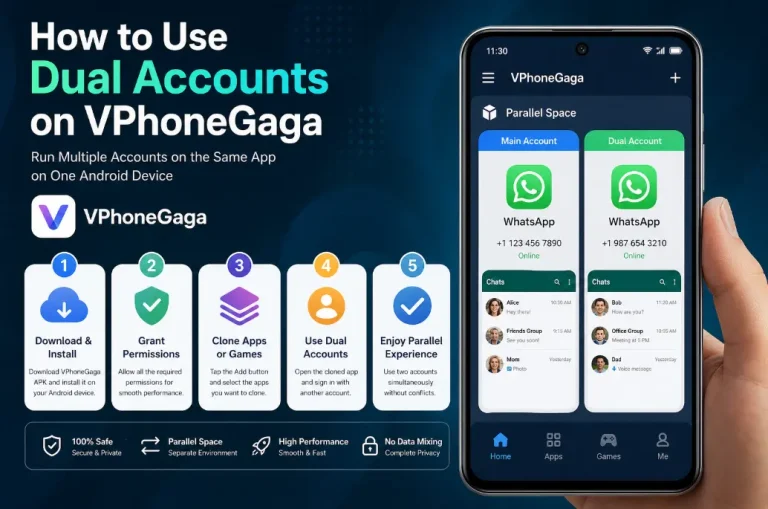
Many apps behave differently across account types, permission levels, or user states. VPhoneGaga lets you run separate account instances simultaneously, which makes debugging user-specific behavior significantly faster than logging in and out repeatedly on one device.
See Also: How to Use Dual Accounts on VPhoneGaga App
A Cost-Effective Alternative to Multiple Test Devices
Maintaining a full device lab is expensive. For independent developers and small teams, buying separate phones to cover different Android versions and architectures is not always practical.
VPhoneGaga does not fully replace physical device testing, particularly for hardware-specific issues or final QA before release. But during active development and early-stage testing it reduces how often you actually need a second device. That matters when you are iterating quickly and need a safe place to run builds without ceremony.
No Root Access Required
Some testing approaches require rooting the device, which voids warranties, weakens system security, and creates its own set of problems. VPhoneGaga requires no root access. Installation follows the standard APK sideloading process and setup is straightforward enough that developers new to Android can get it running without configuration headaches.
Practical Use Cases at a Glance
These are the scenarios where VPhoneGaga fits naturally into a development workflow:
- Testing builds before handing off to a client
- Verifying permission behavior without exposing personal data
- Running risky or modified APK files from external sources
- Debugging account-specific behavior with multiple simultaneous logins
- Experimenting with system-level features during early development
- Testing beta versions without destabilizing your daily driver
What to Keep in Mind
Running a full virtual Android system does consume additional RAM and battery. On devices with 3GB of RAM or less, performance inside the virtual environment may feel sluggish, particularly with resource-heavy builds. VPhoneGaga works best on mid-range and higher devices with 4GB of RAM or above.
It is also worth noting that apps with strict device integrity checks, such as banking apps or certain games with anti-cheat systems, may detect the virtual environment and refuse to launch. For most development and testing scenarios this is not a concern, but it is worth knowing before you rely on it for those specific cases.
Frequently Asked Questions
Does VPhoneGaga require root access?
No. It installs as a standard APK and does not require root. Your device warranty and system security remain intact.
Can I test APK files from unknown sources safely inside VPhoneGaga?
Yes. The virtual environment isolates the APK from your main system. Even if the file contains bugs or unexpected behavior, your primary device is not affected.
Is it a replacement for a physical test device?
Not entirely. For final QA, hardware-specific testing, and release validation, physical devices are still necessary. For active development and early-stage testing, it reduces your dependency on maintaining multiple devices.
What Android versions does it support?
VPhoneGaga supports Android 10, 11, and 12. Performance may vary on heavily customized manufacturer interfaces.
Will it affect my main phone’s performance?
It uses additional RAM while running. On capable devices the impact is minimal. On lower-end hardware you may notice slower performance when the virtual environment is active alongside other apps.
Conclusion
Testing directly on your primary device during active development is an unnecessary risk. A virtual Android environment gives you the freedom to push builds hard, test unknown APKs, and experiment with unstable features without putting your personal data or system stability on the line.
VPhoneGaga provides that environment without requiring root access, without expensive additional hardware, and without a complicated setup process. For developers who handle APK files regularly, it is a practical addition to any workflow.