VPhoneGaga vs Virtual Android Apps: Which One is Better in 2026?
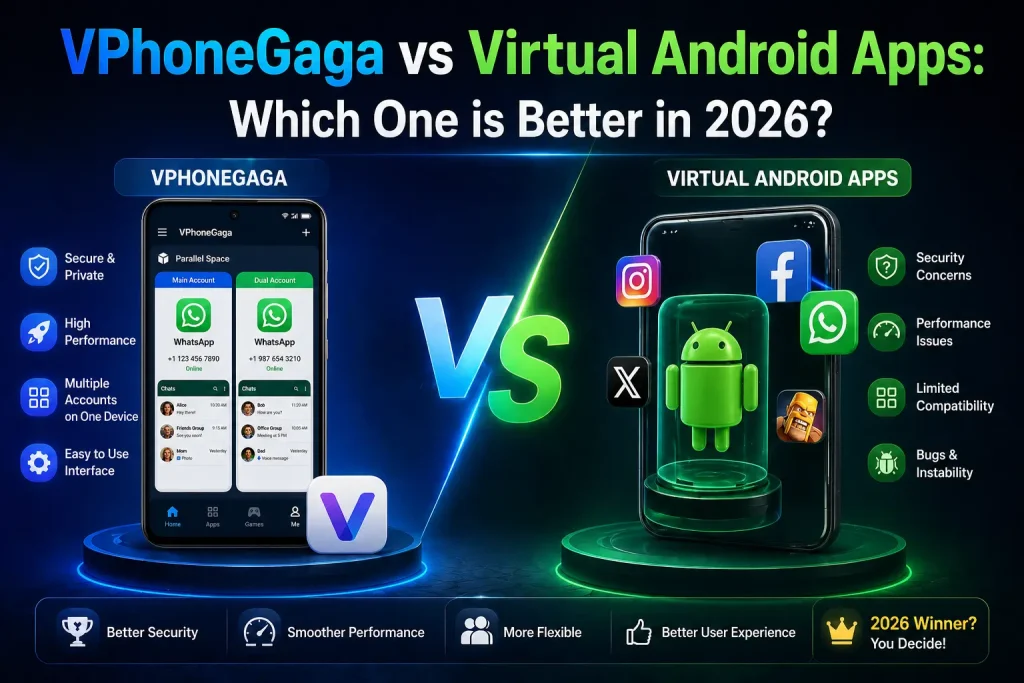
Virtual Android apps have exploded in popularity because people want practical solutions running two WhatsApp accounts, managing separate game profiles, or testing apps safely without buying a second phone.
But with multiple options available, one question comes up constantly: is VPhoneGaga the right choice, or is another virtual Android app better for your situation?
This comparison breaks down performance, compatibility, security, and real use cases so you can make an informed decision.
What is VPhoneGaga?
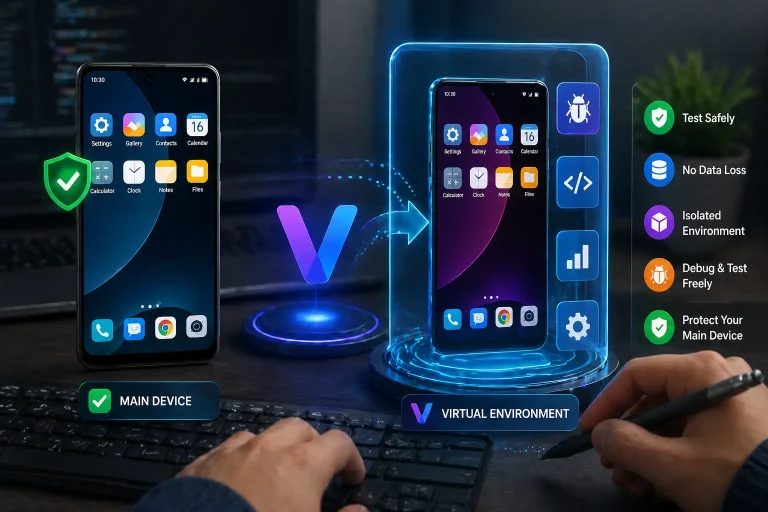
VPhoneGaga is a virtual Android environment that runs as a separate space inside your existing phone. Apps installed inside it behave as if they’re on a completely different device, with no overlap with your main system.
It works without root access and supports both 32-bit and 64-bit processors, which gives it broader device compatibility than most alternatives.
People commonly use it for running multiple game accounts, separating work and personal apps, testing APK files safely, and keeping certain apps private from the main system.
What Are Virtual Android Apps?
Virtual Android apps create a simulated Android environment inside your phone. Some are simple app cloners that duplicate a single app’s interface. Others build a full virtual system that runs independently from your main OS.
The difference matters more than most people realize. A basic cloner copies the app but often shares system resources with your main phone, which leads to login conflicts, notification issues, and instability with heavier apps. A full virtual system creates genuine separation.
Feature Comparison
| Feature | VPhoneGaga | Typical Virtual Apps |
|---|---|---|
| 32-bit and 64-bit support | Yes | Limited in some apps |
| Root required | No | Mostly no |
| Full virtual Android system | Yes | Not always |
| Gaming stability | Strong | Varies |
| Multi-account support | Yes | Yes |
| Security isolation | Sandboxed | Depends on app |
| Android 10 to 12 support | Yes | Varies |
The most meaningful difference is the full virtual system versus basic cloning. That gap becomes obvious when you push the app with games or resource-heavy applications.
Performance: How Do They Actually Compare?
Gaming
For games like PUBG Mobile or Free Fire running dual accounts, a full virtual environment handles RAM allocation and background processes significantly better than a cloning tool. You get more stable gameplay, smoother account switching, and fewer crashes mid-session.
Basic cloners tend to struggle once the game demands consistent memory access. They work for lighter games but show their limits quickly with titles that run anti-cheat software or require stable background processes.
App Cloning for Social Media
For WhatsApp, Instagram, or Telegram, the honest answer is that both solutions work. Setup time is similar. Day-to-day performance on a mid-range phone is comparable. If social media account separation is all you need, a lightweight cloner can handle that without the extra resource overhead of a full virtual system.
Compatibility and System Requirements
Most virtual Android solutions support Android 10, 11, and 12. Compatibility issues tend to appear on heavily customized manufacturer skins rather than stock Android.
The 32-bit versus 64-bit distinction is worth paying attention to. Many newer virtual apps dropped 32-bit support entirely as manufacturers phased out older processors. If you’re on a recent flagship, this won’t matter. If you’re on an older or budget device, having both architecture types supported gives you more flexibility and avoids frustrating compatibility dead ends.
Security and Privacy
Both types of apps create a sandboxed environment, meaning apps inside the virtual space cannot directly access your main system files or data. That separation is the core security benefit of any virtual Android tool.
A few practical points worth knowing: neither type requires root access, which is good because rooting your device opens up significantly larger security vulnerabilities. The bigger risk is not the app itself but where you download it from. Modified APKs from unofficial sources can contain malware regardless of which virtual app framework they’re based on. Always use the official source.
Banking apps and apps with strict device integrity checks may detect the virtual environment and refuse to launch. This applies to most virtual Android solutions, not just VPhoneGaga.
Ease of Use
Setup follows the same basic pattern across most virtual Android apps:
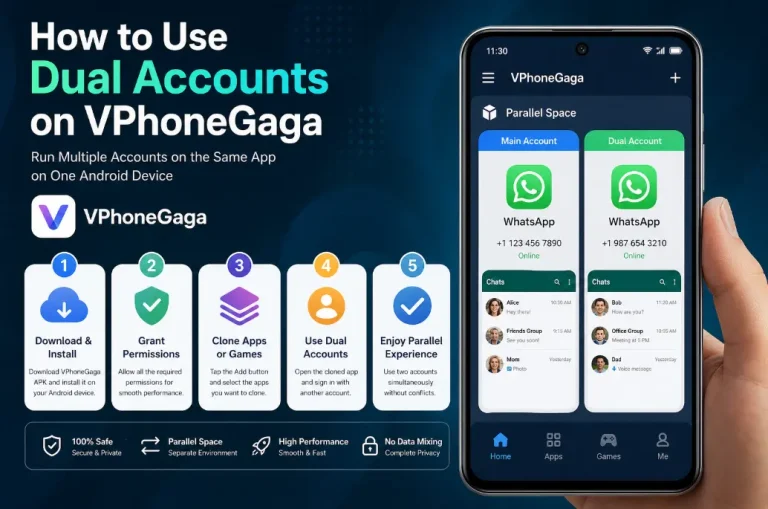
- Download VPhoneGaga APK for Android. Install the APK file in your mobile.
- Grant the required permissions
- Initialize the virtual space
- Add the apps you want to run inside it
Where apps differ is in the interface after that point. Some tools give you a minimal dashboard with basic add-and-run functionality. Others offer configuration options for storage allocation, network settings, and notification management per app. For most users, a clean and guided setup matters more than advanced configuration options they’ll never use.
Who Should Use What?
Gamers running dual accounts will get better results from a full virtual system. The stability difference with heavier games is noticeable, and fewer crashes matter when you’re mid-session.
Developers testing apps need genuine isolation between environments. A basic cloner does not provide the level of separation needed to accurately simulate different user states or account types. A full virtual system is the right tool here.
Multi-account users for messaging or social media can get by with either option. If your device has limited RAM and you only need two WhatsApp accounts, a lightweight cloner is perfectly sufficient and puts less pressure on your hardware.
Users on low-end or older devices should lean toward a lightweight cloner. Running a full virtual Android system on 2GB of RAM will produce sluggish results. Match the tool to your hardware.
See Also: How VPhoneGaga Helps Developers Test Apps Without Risking Their Main Device
Frequently Asked Questions
Is VPhoneGaga better than other virtual Android apps?
It depends entirely on your use case. For gaming stability, architecture flexibility, and full environment isolation, it performs stronger than basic cloners. For simple app duplication on limited hardware, a lighter tool may serve you better.
Which virtual Android app is the safest?
Safety depends more on your download source than the app itself. Any virtual Android tool downloaded from its official source, without root access, provides a reasonable level of security through sandboxing.
Can I use these apps on Android 12?
Yes. Most modern virtual Android solutions including VPhoneGaga support Android 10 through 12. Results may vary on heavily customized device software.
Which is better for dual gaming accounts?
A full virtual Android system like VPhoneGaga handles gaming workloads more reliably than basic cloners, particularly for titles with anti-cheat systems or high RAM requirements.
Conclusion
The right choice comes down to what you actually need. VPhoneGaga is the stronger option when you need genuine isolation, stable gaming performance, or support across different device architectures. A lighter virtual app is the smarter choice when your needs are simple and your device has limited resources.
Pick the tool that matches your actual use case, not the one with the most features you’ll never use.