
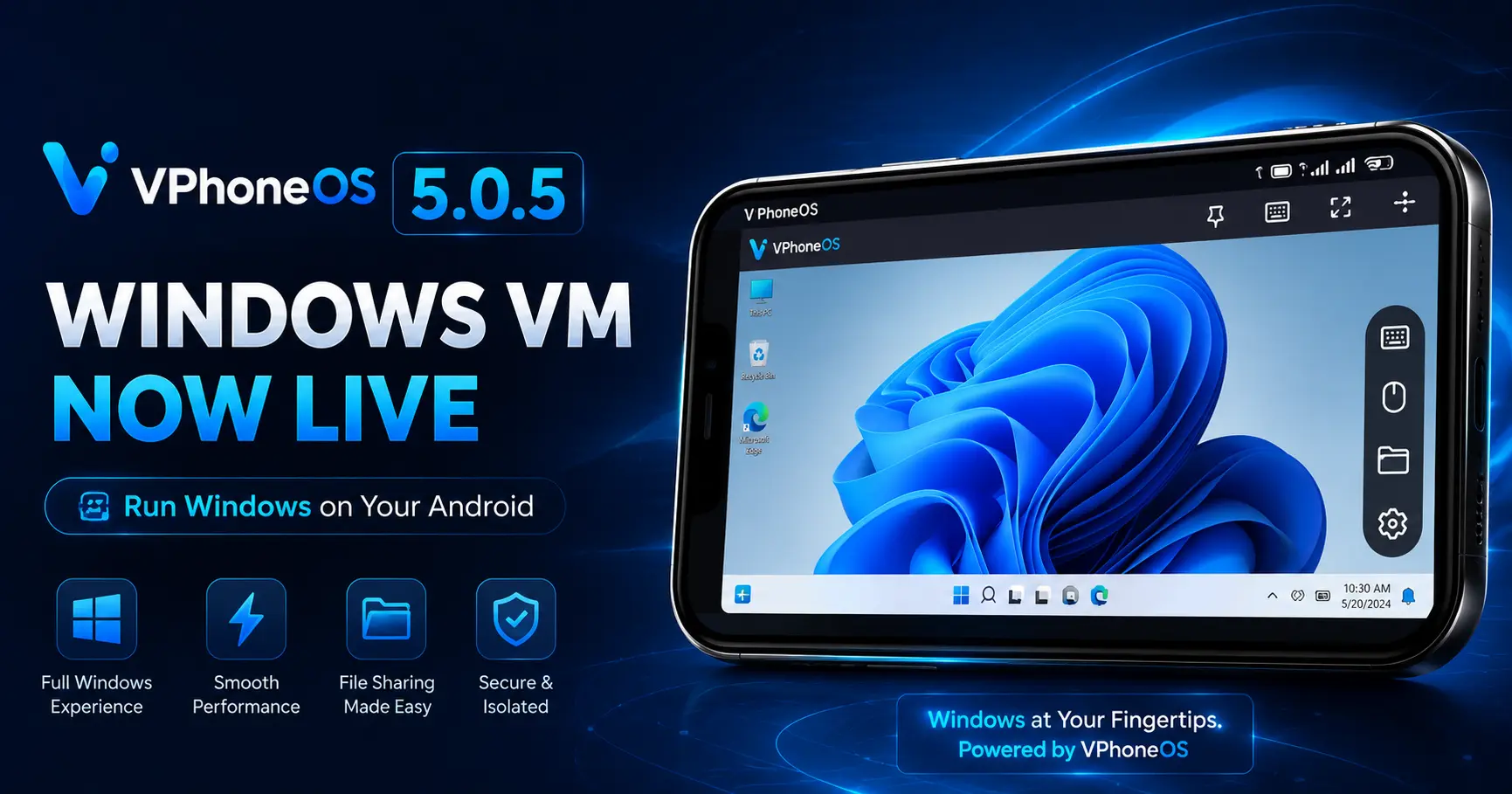
VPhoneOS 5.0.5 Update: Windows Virtual Machine Support Is Now Live
Last updated: July 2026
VPhoneOS has just shipped one of its biggest updates yet. Version 5.0.5 introduces Windows Virtual Machine support, letting you run an actual Windows environment directly inside the app on your Android phone. Here’s a full breakdown of what’s new, how to get it, and what to expect if you’re on Google Play.
What’s New in VPhoneOS 5.0.5
1. Windows Virtual Machine Support
The headline feature of this release is native support for a Windows virtual machine inside VPhoneOS. In practical terms, this means your phone can now boot into a Windows-style environment and run software that was previously limited to a desktop or laptop — all without leaving the VPhoneOS app.
2. A Step Toward “Phone as PC”
The development team has framed this update as part of a broader push to turn Android phones into something closer to a handheld console or a lightweight PC. Instead of just cloning mobile apps, VPhoneOS is now positioning itself as a tool for running genuinely PC-oriented software and games on the go.
3. Official Website Gets It First
VPhoneOS 5.0.5 is currently rolling out through the official VPhoneOS website ahead of the Play Store. Because the Windows virtual machine feature needs higher system resources and broader file-access permissions, the development team is recommending the official website download for the smoothest experience while the Play Store version clears review.
When Is It Coming to Google Play?
According to the official announcement, the Google Play version of 5.0.5 is currently in the publishing review process and will roll out gradually once approved. There’s no confirmed date yet — if you’re waiting for the Play Store version specifically, the safest move is to check the app’s official Discord or the Play Store listing periodically rather than sideloading early builds from unverified sources.
Version Number Note
One thing worth flagging for transparency: the official announcement refers to this release as version 5.0.5, while an in-app check on a real device showed version 5.0.6 (Build 6026, 64-bit) under About. This is most likely a minor follow-up build pushed shortly after the initial 5.0.5 release, though the development team hasn’t published a separate changelog for it yet. We’ll update this article if that changes.
Should You Update Now?
- If you want the Windows VM feature immediately — download from the official website, since that’s where it’s live first.
- If you’re on Google Play and prefer waiting — no action needed yet; the update will appear in Play Store automatically once approved.
- If your device is older or has limited storage/RAM — consider whether your hardware can comfortably handle running a full Windows VM before updating.
Frequently Asked Questions
What is new in VPhoneOS 5.0.5?
The main addition is Windows Virtual Machine support, allowing users to run a Windows-style environment and PC-oriented apps directly on their Android phone through VPhoneOS.
Is VPhoneOS 5.0.5 available on Google Play?
Not yet at the time of this update. It’s currently in Google Play’s review process. The official website version is available first.
Why does my app show version 5.0.6 instead of 5.0.5?
This is likely a small follow-up build released shortly after the main 5.0.5 update. Functionally it should include everything from the 5.0.5 release.
Do I need extra storage or RAM for the Windows VM feature?
Yes — running a Windows virtual machine is more resource-intensive than standard app cloning. Make sure your device has adequate free storage and RAM before installing this update.
New to VPhoneOS? Start here: