
How VPhoneGaga Helps Developers Test Apps Without Risking Their Main Device
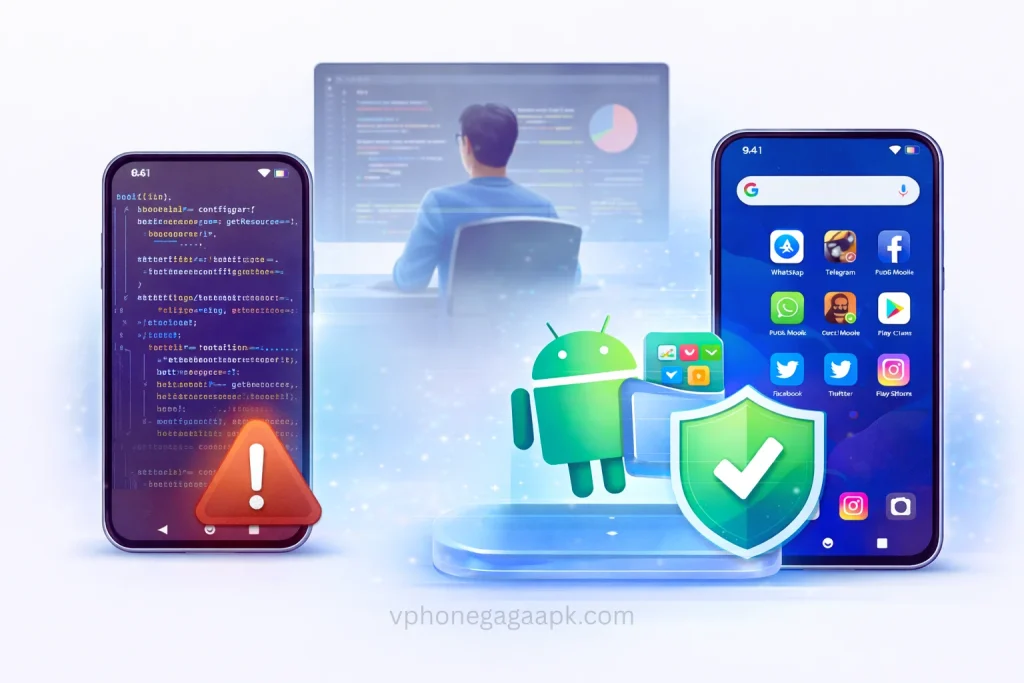
Testing an Android app on your personal phone is always risky. A single coding error can crash the system, slow down performance, or even corrupt important data. For developers who frequently test APK files, using the main device is not a smart choice.
VPhoneGaga solves this problem by creating a virtual Android environment inside your phone. It allows developers to test apps safely without affecting their primary device.
This article explains how it works and why it is useful for app testing.
What Is VPhoneGaga
VPhoneGaga APK is a virtual Android system that runs inside your existing Android phone. It creates a separate environment where you can install and run apps independently from your main system.
Anything installed inside this virtual space stays there. It does not interfere with your original apps, contacts, photos, or system settings.
For developers, this isolation is the key benefit.
Why Testing on Your Main Device Is Risky
Many developers test apps directly on their personal phone. This can lead to serious issues such as:
App crashes that freeze the system
Battery drain due to unstable builds
Data leaks from untested permissions
Storage corruption from faulty APK files
When you test inside a virtual environment instead, these risks are reduced significantly.
How VPhoneGaga Protects Your Main Phone
Separate Virtual Environment
It runs a second Android system within your device. If the test app crashes or behaves abnormally, it only affects the virtual system. Your real phone remains stable and secure. This is especially helpful when testing:
Beta versions
Debug builds
Apps with system level permissions
Third party APK files
Safe Installation of Unknown APK Files
Developers often receive APK files from clients or external sources. Installing them directly on your main phone can be dangerous.
With this app, you can:
Open the virtual system
Install the APK inside it
Test all features
Remove the app if needed
Even if the app contains bugs, your main system stays protected.
Cost Effective Testing Solution
Buying multiple Android devices for testing can be expensive. Many independent developers cannot afford different phones for compatibility checks.
VPhoneGaga reduces this need by providing a secondary Android system on the same device. While it does not fully replace physical device testing, it helps during early development stages.
Ideal for Testing Experimental Features
When working on new features such as:
Background services
Advanced permissions
Performance heavy tools
Modified app versions
There is always a chance of instability. Testing these inside a virtual environment allows you to experiment freely without risking personal data.
No Root Required
Some testing methods require rooting the phone, which can void warranties and reduce security.
It does not require root access. Installation is simple, and the setup process is beginner friendly. Even students and new developers can use it without technical complications.
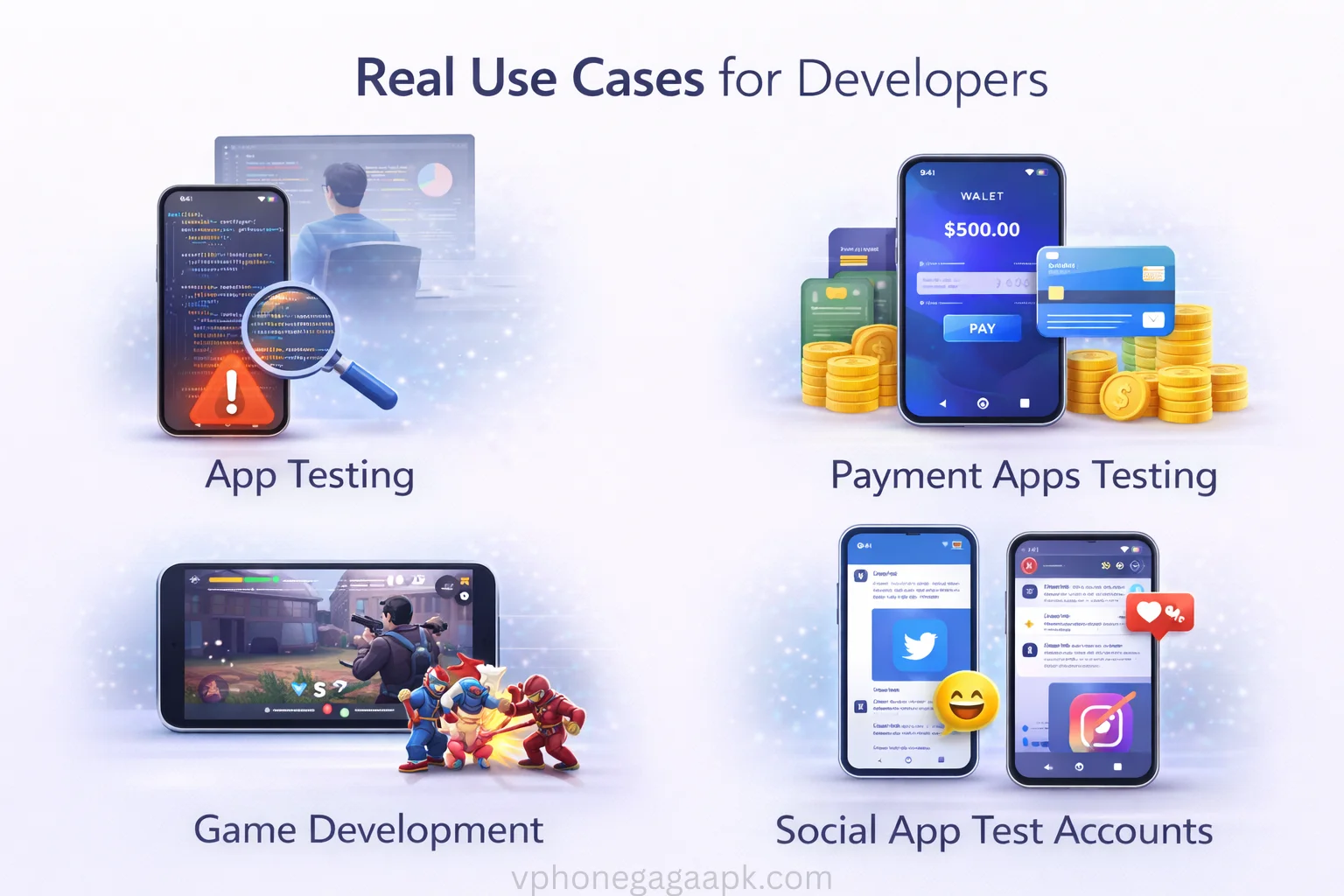
Real Use Cases for Developers
Here are common scenarios where app is helpful:
Testing apps before submitting to clients
Running multiple accounts for debugging
Checking permission behavior
Testing risky or modified APK builds
Experimenting with system level changes
In all these cases, the main device remains unaffected.
Things to Consider
It may consume additional RAM and battery because it runs a virtual Android system. On low RAM devices, performance may not be very smooth.
It is best suited for mid range or high performance phones.
Conclusion
Testing apps directly on your primary device is not safe, especially during early development. A virtual Android environment provides better protection and flexibility.
VPhoneGaga gives developers a secure space to install, test, and experiment with apps without damaging their main phone. It is simple to use, cost effective, and practical for daily testing needs.
For developers who regularly handle APK files, using a virtual testing environment is a smart and responsible approach.